
Summary
My Approach
Phases
UI Documentation
Impact
Reflection
Built 50+ components and UI Documentation for OptionsPlay design system cutting feature rollout time by 50%
B2C
Fintech
Shipped

Role
Product Designer, Contract
Solo designer owning the full project: audit → figma component library → variables → AI-assisted developer handoff
Duration
2 week sprint (Feb 2026)
Stack
Figma, Claude, Vercel
Team
2 Product Designers
8 Developers
1 PM, CTO
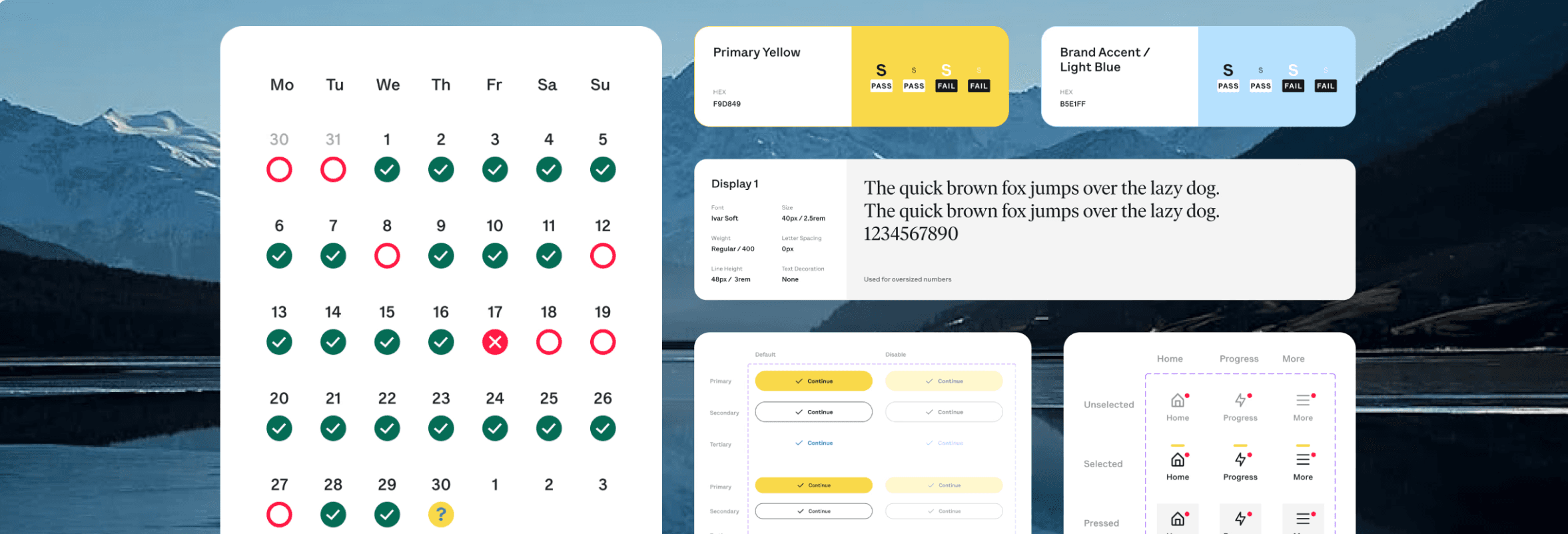
Here’s a 1 min TL;DR version
THE PROBLEM
There's no Design System at OptionsPlay and no UI Documentation for onboarding new designers
The fintech Options Trading Platform has been in the market 12 years with no shared library, no documentation, and no source of truth. Design decisions lived in people's heads. The same component looked different on every screen.
Three core problems:
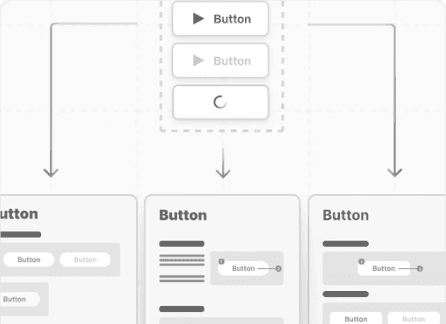
Inconsistent UI
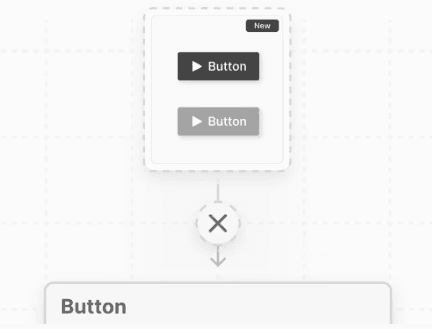
Scalability Risks
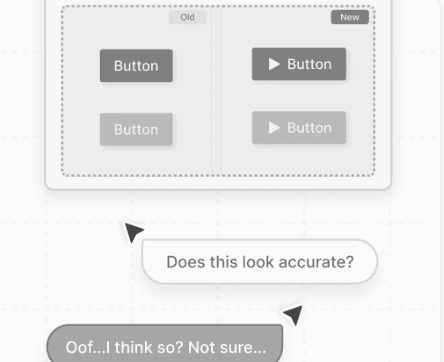
Increased time to design
THE SOLUTION
Design system with 50+ components and more!
Built OptionsPlay first design system from the ground up with 50+ components with full usage documentation, a token-based Figma variable collection, organism patterns for widgets and dashboards, and an AI-generated developer handoff dashboard with JSON export using Claude.
IMPACT
There's no Design System at OptionsPlay and no UI Documentation for onboarding new designers
The fintech Options Trading Platform has been in the market 12 years with no shared library, no documentation, and no source of truth. Design decisions lived in people's heads. The same component looked different on every screen.
Three core problems:
Diving deeper into the project
Let’s start from the beginning
GOALS OF THE SPRINT
Build a Design System that can scale for business and design goals
Business Goals
Cut feature rollout time
Reduce design-to-dev friction
Support team scaling
Design Goals
Build a token-based foundation
Document every component with usage guidelines
Use AI for developer handoff
Establish design system health with Claude
MY APPROACH
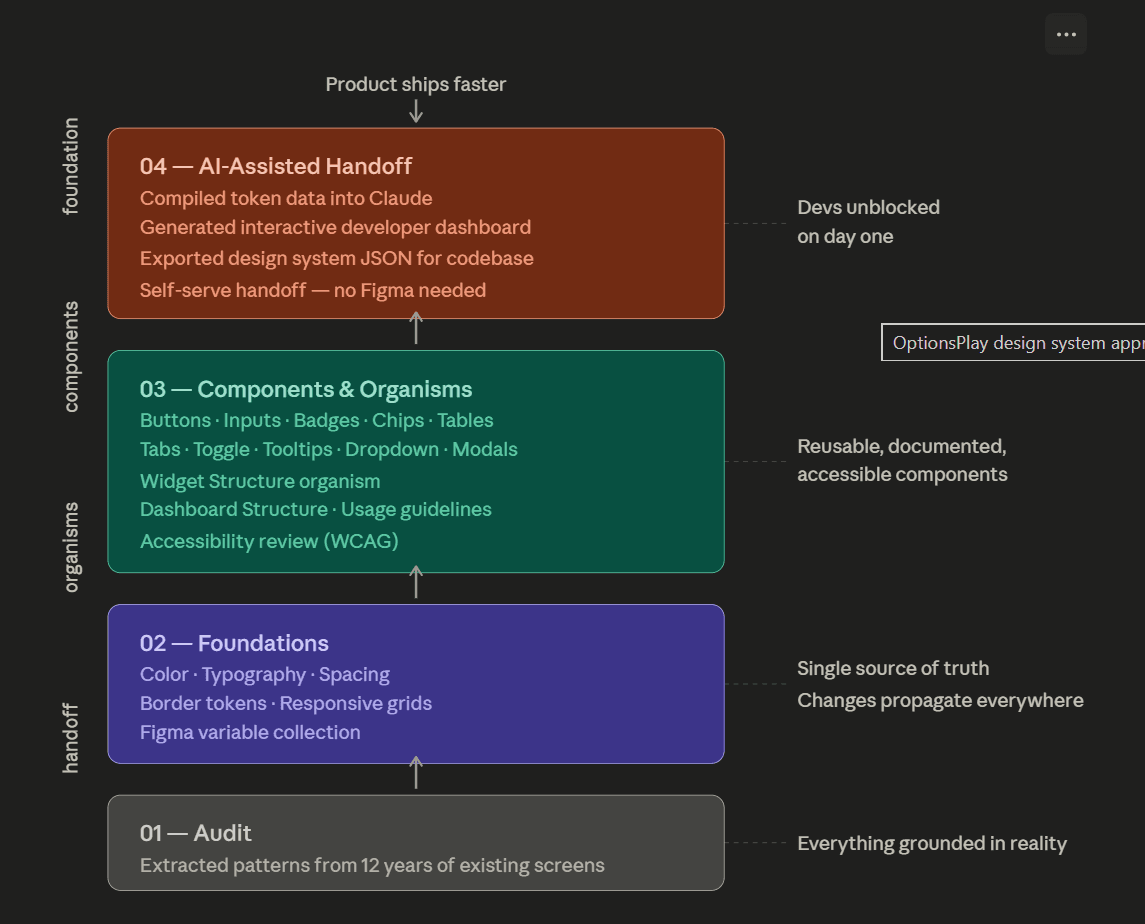
Each layer
PHASE 1 : AUDITING
I audited existing screens before I built anything
Before designing a single component, I went through existing screens to extract what was already there. The goal: find the underlying patterns before deciding what the system should be.
This audit shaped every decision that followed.
PHASE 2: BUILDING FOUNDATION
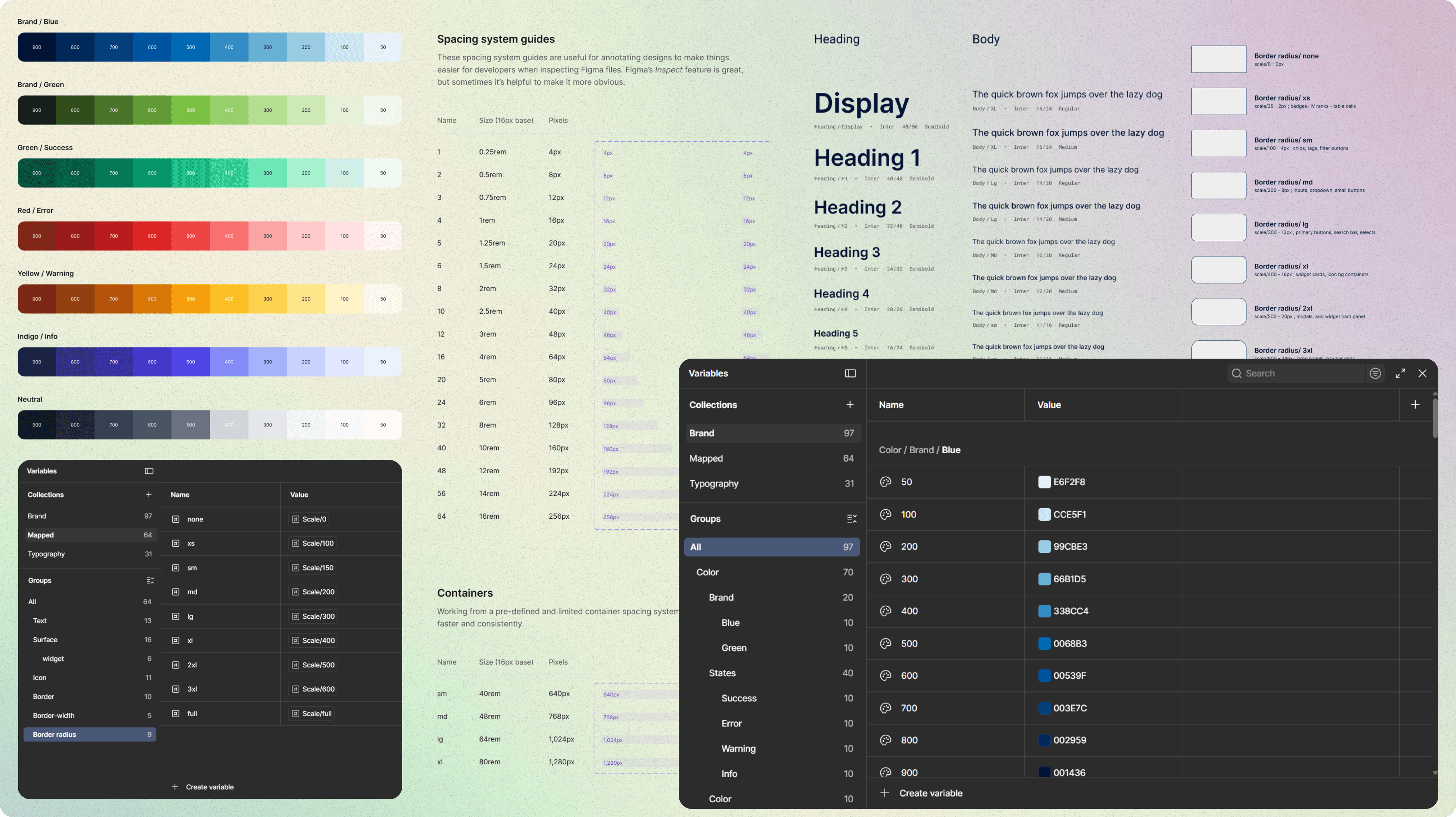
Tokens before components: I built the foundation first so nothing would drift again
Before touching a single button or input, I set up the entire foundational layer as a Figma variable collection. Every component in the system references these tokens. Change a value once, and it updates everywhere automatically.
This is what makes a design system maintainable.
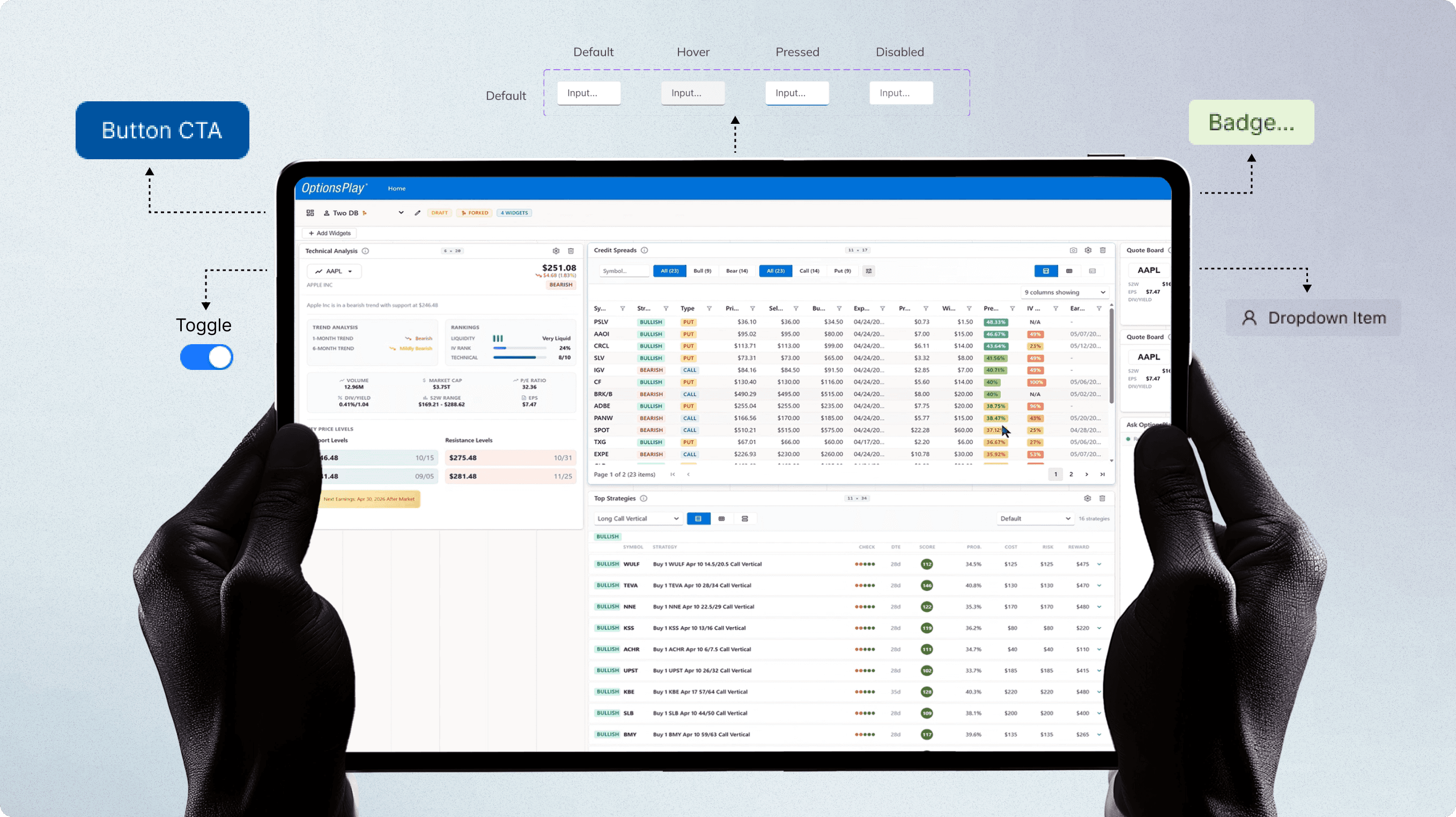
PHASE 3: COMPONENTS
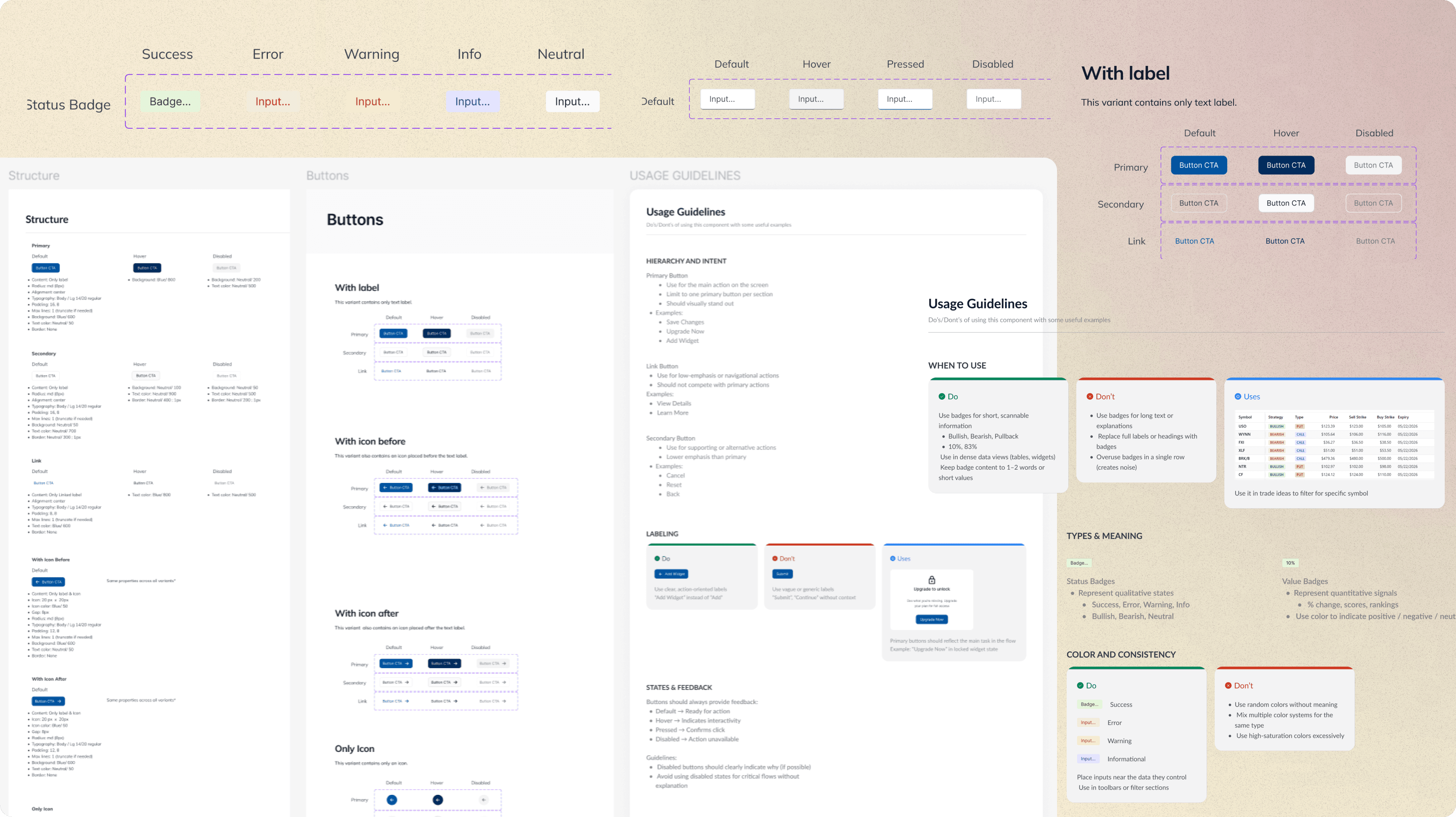
I built every component with usage guidelines, not just visuals
Every component in this system ships with structure specs, full variant coverage, and a usage guidelines page: covering hierarchy & intent, Do/Don't examples, states & feedback, accessibility requirements, and placement rules.
Any designer or developer, including a new team member, can pick up a component and know exactly when to use it, how to use it, and what not to do.
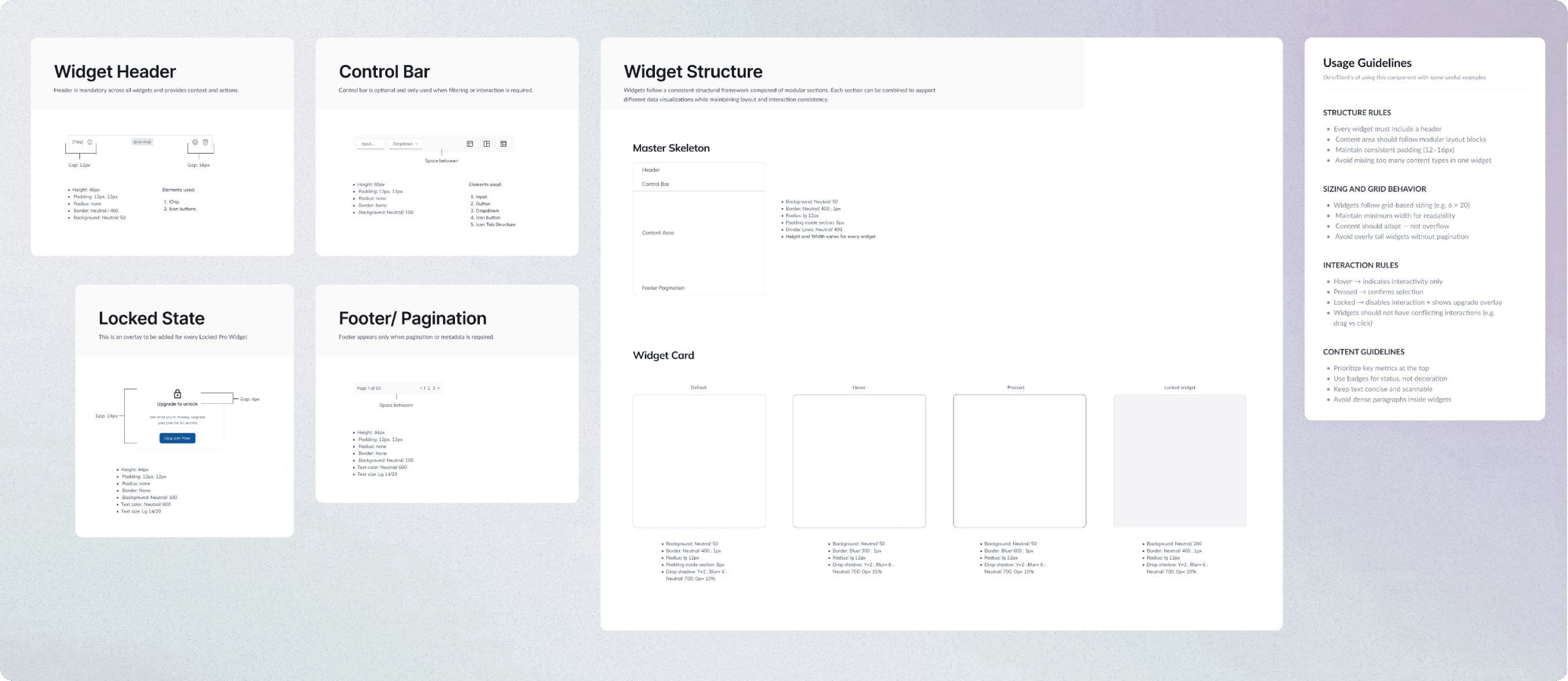
PHASE 4: STRUCTURE
Broke down widget and dashboard structure; how the full dashboard fits together
Beyond widgets, I documented the Dashboard Structure: how the full page assembles. Global Nav, Dashboard Toolbar, widget grid rules, Empty State pattern, layout rules, interaction guidelines: all in one place.
Now the system answered both "what does this component look like?" and "how do I build a full screen?"
PHASE 5: DEVELOPER HANDOFF
I used Claude to turn the design system into an interactive dashboard for developers with JSON file
After completing the Figma system, I compiled all design token data into Claude to generate an interactive design system dashboard: a web-based reference developers could use directly. I also exported a JSON file of the full token system for code handoff, mapping every value ready to plug into a codebase.
Developers had a complete, self-serve reference on day one. No Figma access needed. No sync required.
UI DOCUMENTATION
Putting it all together in a UI Documentation for future team members to understand every design decision
Industry-standard UI documentation is built across six layers: Anatomy, Variants & States, Hierarchy and Intent, Do / Don't / Uses, Placements, Accessibility and Interactions. This system covers all of them.
IMPACT
Onboarding went from days to hours. Handoff became self-serve. Drift became structurally impossible.
After completing the Figma system, I compiled all design token data into Claude to generate an interactive design system dashboard: a web-based reference developers could use directly. I also exported a JSON file of the full token system for code handoff, mapping every value ready to plug into a codebase.
Developers had a complete, self-serve reference on day one. No Figma access needed. No sync required.
REFLECTION
Three things this project reinforced
Audit before you build. Starting from the real product meant the system solved actual problems, not imagined ones.
Foundations are the highest-leverage work. Getting the token structure right took longer than any individual component — and it's what makes the system maintainable long-term.
AI changed what handoff means. Generating a developer dashboard from design token data isn't a shortcut — it's a different model of collaboration. The design system no longer ends at Figma.